HavenCraft Controls Reference
Keyboard and mouse habits that keep building precise.
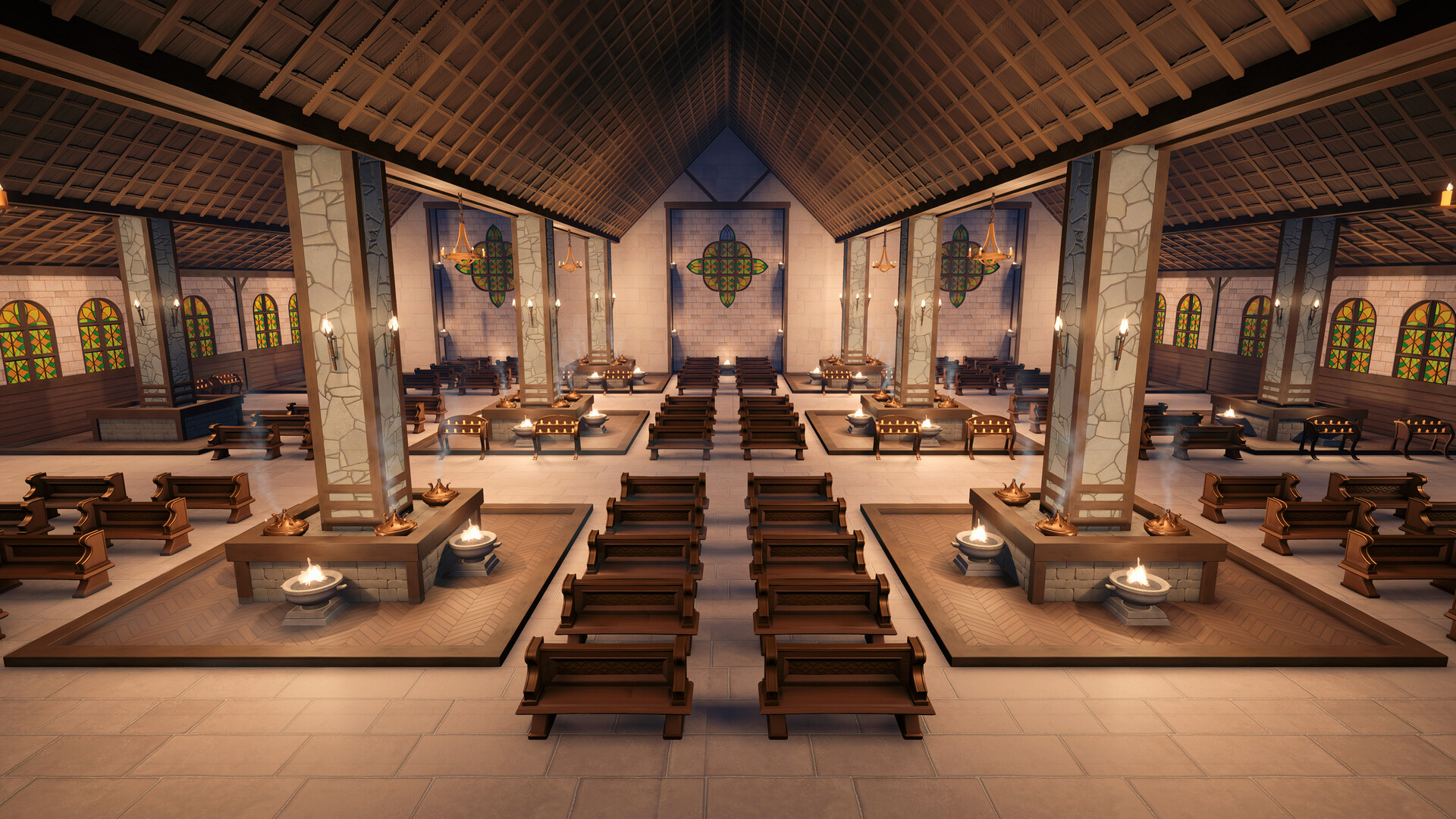
HavenCraft is a third-person builder: you walk the streets, aim the camera, drag pieces across a grid, talk to villagers, and open map logistics overlays. Exact rebindable keys can vary by build, so treat this page as a behavior reference — what you need to be able to do — plus demo-era tips from Alpha 6. Always confirm bindings in the in-game settings menu after a patch.
Camera and movement
- Move with standard WASD-style locomotion while the character explores the island.
- Orbit and elevate the camera to judge roof lines; Alpha 6 lowered default mouse sensitivity after player feedback — raise it if you came from a faster shooter habit.
- Zoom out before drag-building long walls so you see plot borders.
- Use roads once placed; the 40% speed boost makes camera tours and villager escorts faster.
Building inputs you must master
- Select a piece from the construction catalog.
- Rotate pieces (especially 2-tall windows that can become 2-wide).
- Drag to stamp multiple tiles within the allowed drag distance.
- Pipette / sample existing pieces when rebuilding matching façades.
- Confirm / cancel placements cleanly so ghost pieces do not block doors.
Roof dragging is a skill of its own: pull roofs into each other to auto-complete corners and closed ridges. Practice on a sandbox shed before sculpting the town hall. Details live in the Building System guide.
Tools and hands-free building
Alpha 6 stopped auto-equipping tools like axes. That is intentional — click to equip when you need to chop, then free your hands for furniture placement. Keep the trash/destroy affordance in mind (inventory trash corner) but prefer incinerators for bulk junk later.
Inventory, crafting, and skyling requests
Open your inventory/crafting panel to craft player items and, once unlocked, set skyling requests. Clear requests when a construction push ends so flying bots stop draining shared piles. Packling station clicks can jump you into the map wiring UI — expect that overlay and place stations with clear faces (Packlings & Skylings).
Villager conversations
Interact / talk keys open Manage menus for job orders and keep-counts. Remember: your crafting UI is not their crafting UI. Configure workers explicitly after hiring (Villagers & Happiness).
Map and notifications
Toggle the map to see villagers, stockpiles, and delivery links. Notifications linger longer in Alpha 6 and can appear while menus are open — do not ignore lost-bed or plot-level-up toasts.
Controllers
Official FAQ: no fully official controller support date yet, though connecting a pad may already expose partial features. For precise grid building, keyboard and mouse remain the recommended setup. Co-op partners on pads should expect the host to handle finicky roof work.
Accessibility-related settings
Look for text size and volume sliders. Save-anytime support means you can pause ambitious demolitions safely. If UI scale fights high-DPI monitors, check both game and OS scaling.
Learning path
New players: finish Getting Started while learning these inputs. Before blaming controls for logistics pain, verify stockpile filters. Before blaming cameras for ugly towns, revisit lighting furniture tips in the building guide.
Quick troubleshooting
- Cannot place windows: enlarge the plot border.
- Drag stops early: check drag distance limits and collisions.
- Tool stuck in hand: unequip deliberately.
- Map wiring confusing: click the station again and redo from→to links.
Revisit this reference after major patches listed on the Updates Hub. Pair with System Requirements if input lag is actually a performance problem.
Practice drills
Spend five minutes in a sandbox corner: drag a 3x3 floor, rotate windows, merge two roof runs, pipette a wall, unequip an axe, and open a packling station into the map overlay. Those drills transfer directly into real towns. If a friend struggles, share this page plus Building System instead of typing key names that change between patches.
Settings pass after updates
Re-open mouse sensitivity, UI scale, and audio sliders whenever Alpha notes mention camera or notification changes. Confirm trash and equip behaviors still match muscle memory. Then return to building — controls pages exist to shrink friction, not replace the settlement guides.
Frequently Asked Questions
Quick answers to the most common questions.
Did HavenCraft change tool equipping?
Yes. Alpha 6 requires an intentional click to equip tools like axes so you can keep hands free for building.
Is there full controller support?
Not officially complete yet. Some features may work; mouse and keyboard are best for precise building.
Why is the camera slower than before?
Default mouse sensitivity was lowered after feedback. Raise it in settings if you prefer faster orbits.