HavenCraft Official Links
Store pages, community hubs, and studio contacts in one list.
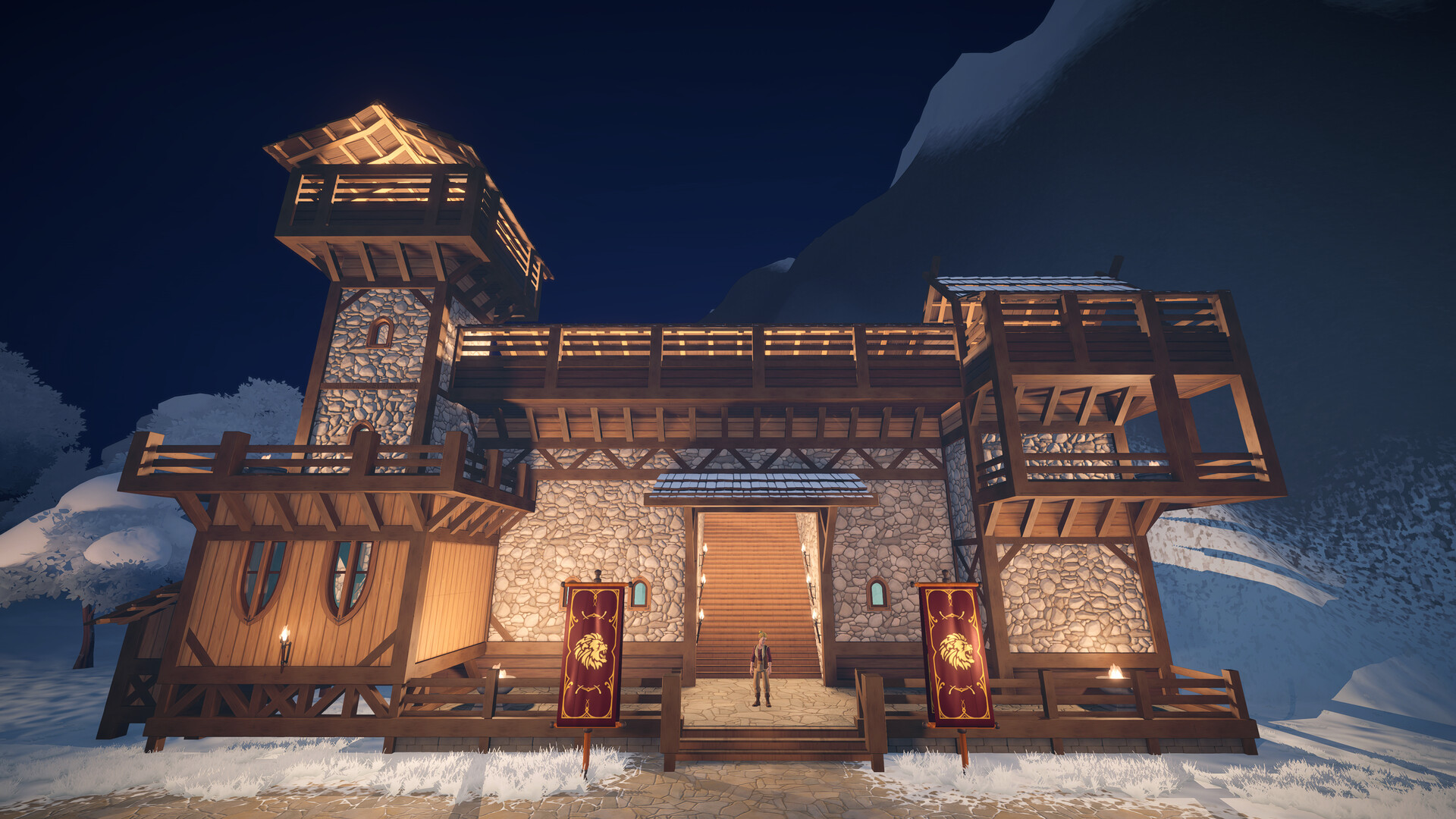
This Links Hub gathers authoritative HavenCraft destinations so you do not chase outdated mirrors. Use it to wishlist, download the demo, join community rooms, or contact support. For gameplay help, return to the Guides Hub; for patch timing, see Updates.
Store and downloads
- Steam (full game): store.steampowered.com/app/2481240/HavenCraft — wishlist and Early Access entry point.
- Steam Demo: search HavenCraft Demo on Steam (Alpha 6) — free try before purchase.
- GOG: gog.com/en/game/havencraft — DRM-free storefront listing.
- Developer playtest portal: havencraft.dionicsoftware.com — news, media, FAQ, and historical free playtest access.
Community
- Discord: discord.gg/xVy8Y4P
- Reddit: reddit.com/r/havencraft
- Instagram: instagram.com/playhavencraft
Share builds, ask logistics questions, and coordinate co-op — keep join codes private as noted in Multiplayer.
Studio and support
- Dionic Software: dionicsoftware.com
- Support email: support@dionicsoftware.com
- Media email: media@dionicsoftware.com
- Official FAQ and troubleshooting pages live on the HavenCraft site for crash and install issues beyond this fan wiki.
How we use these sources
Wiki guides cite Steam news, official FAQ answers, and developer media kits for facts like demo date (September 24, 2026), Early Access timing, co-op intent, and platform plans. When store dates shift, trust the links above over any cached summary here.
Suggested next steps
- Wishlist on Steam.
- Install the demo and follow Getting Started.
- Join Discord for patch pings.
- Bookmark System Requirements before recommending the game to friends.
HavenCraft.wiki is unofficial. For announcements, discounts, and legal policies, prefer Dionic Software own pages linked above.
Why link hygiene matters
Settlement builders often chase outdated playtest mirrors, unofficial mirrors, or stale wishlist URLs. Starting here keeps you on Steam app 2481240, the GOG product page, and the studio own domain. When someone pastes a random free full game link in chat, compare it against this hub before clicking.
Creator and press notes
Media contacts and press kits live on the official media page. If you make guides or videos, follow the studio monetization rules from their site rather than assuming fair use covers everything. Cross-link back to gameplay help on our Guides Hub so viewers can read text checklists after watching.
Support path
Crash logs, install failures, and account issues belong with support@dionicsoftware.com or the official troubleshooting page — not in random comment threads. Gameplay confusion belongs in Discord or in our guides. Patch arguments belong on Steam news. Splitting those channels keeps answers faster for everyone.
Recurring checklist
Wishlist, demo install, Discord join, controls skim, getting-started guide. That five-step loop is the cleanest onboarding we can recommend before Early Access night.
Frequently Asked Questions
Quick answers to the most common questions.
Where do I wishlist HavenCraft?
On the Steam app page 2481240, and optionally on GOG.
Where is the official Discord?
https://discord.gg/xVy8Y4P — also linked from the developer site header.
How do I contact support?
Email support@dionicsoftware.com or use the troubleshooting resources on the official HavenCraft site.