HavenCraft Getting Started Guide
First-hour checklist for the Outer Islands Steam Demo.
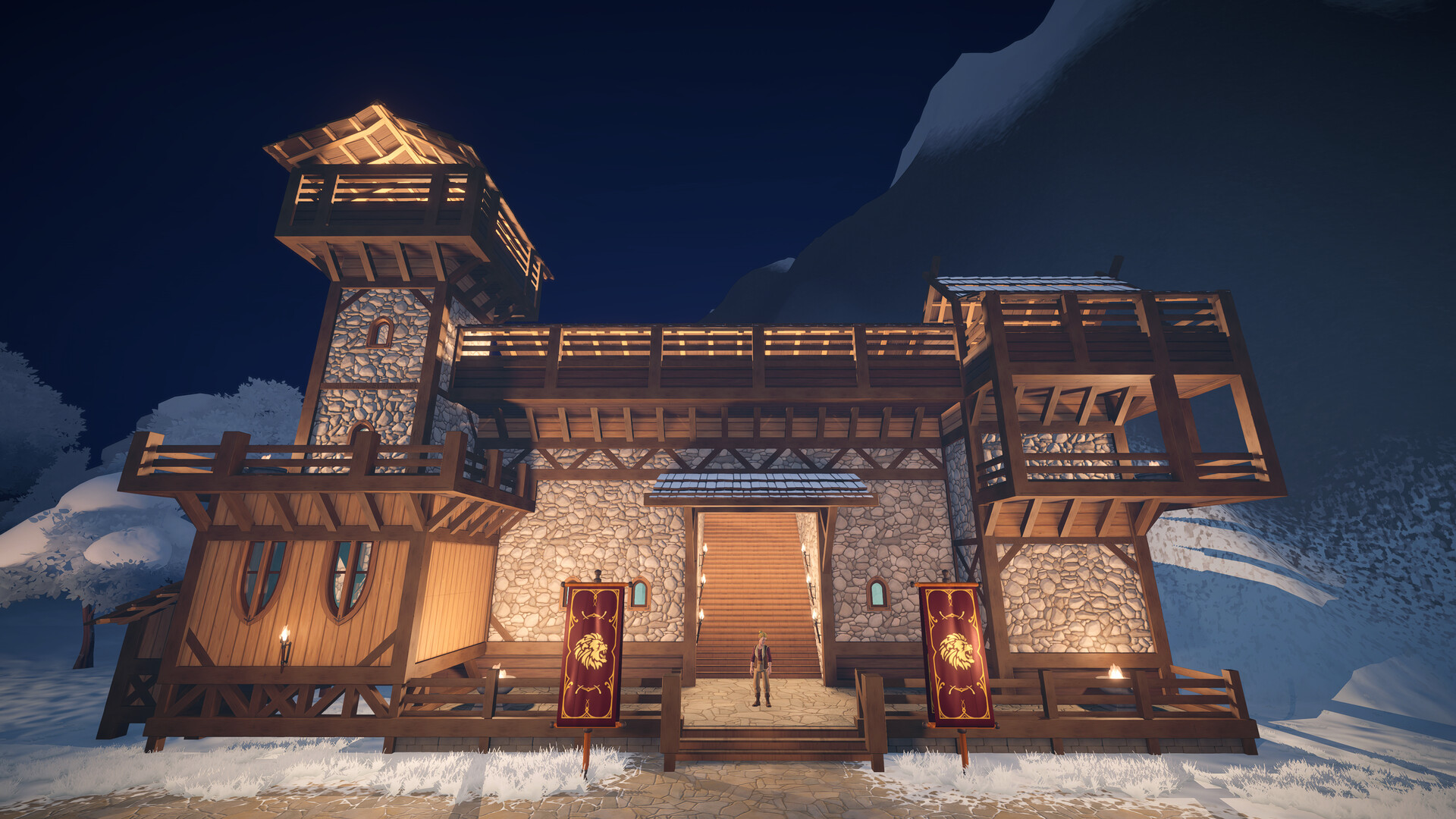
HavenCraft drops you into the Outer Islands after an industrial alchemy disaster wrecked the mainland. Your job is not to clear a combat dungeon — it is to rebuild a living town house by house. This Getting Started guide walks through the first session of the Steam Demo (Alpha 6): gathering, shelter, food, beds, hiring villagers, and setting work plots so the settlement does not collapse overnight.
What you are building toward
HavenCraft is a third-person sandbox town builder with a functional economy. Villagers walk to trees, carry lumber, craft at benches, eat from supply stands, sleep in beds you placed, and leave if happiness tanks. You design buildings from walls, floors, roofs, and furniture instead of dropping premade houses. Drag-build tools speed large runs of pieces. Machines called packlings and skylings later move goods for you — but first you need a stable core loop.
Minute-zero priorities
- Gather fiber, wood, and stone by hand. Bushes and loose rocks feed early crafting. Craft a basic tool (club or axe path) so chopping and mining stop feeling terrible.
- Place a sleeping spot / bed for yourself. The tutorial usually nudges this early. Without rest you stall; without villager beds, newcomers refuse to settle.
- Mark work plots with plot signs. Plots define who works where and what can level up. Make the plot one square larger than the building footprint so windows and furniture register cleanly.
- Split stockpiles. One pile for wood, one for stone beats a single universal dump. Label storages so foresters and miners fill the right containers.
- Secure daily food. Berries help day one; farms and a baker come next. Happiness reacts to supplies — empty stands show up fast on the top bar.
Housing and hiring
Travelers arrive looking for beds and purpose. Build a small house with beds (many players start with two beds per house for a couple), a door, light, and enough space to feel like a home rather than a crate. Talk to visitors and assign them jobs that match the plots you already prepared: forester for wood, miner for stone, craftsman for planks and bricks, researcher for the tech table.
Work orders now belong to the plot, not only to one villager. That means hiring a replacement no longer forces you to rebuild every order from scratch — a huge Alpha 6 quality-of-life win. Still, walk each worker through Manage settings: what to craft, how many finished goods to keep in storage, and which stockpiles they may use. Villagers generally ignore storages sitting in another worker’s plot.
Research and tools
Place a research table on its own plot with wood and stone nearby. Early research unlocks better tools, farming, roads, and automation. Keep the researcher supplied; empty tables idle while your town stays stuck in the stone age. Crafting tables you open yourself are for your crafting — villager production is configured by talking to them and setting keep-amounts across storages.
Food before expansion
A single farmer on an 8×8 field will not carry winter alone. Plan two food stocks, berry pickup, and eventually a bakery chain. Put supply stands where villagers actually walk. Happiness updates when you add food — you do not always wait until end of day. If the top bar flashes needs, hover icons for details and fix beds or meals before recruiting more mouths.
Roads, map, and QoL
Streets grant about a 40% speed boost to you, villagers, and packlings. Lay roads between forest, mine, workshops, and housing early. Villagers appear on the map in current builds — use that to spot stuck workers. Notifications linger longer in Alpha 6 and still show while menus are open; listen for plot level-ups and lost-bed warnings.
First-session checklist
- Self bed + at least two villager beds
- Separate wood and stone stockpiles with assigned workers
- Plot signs on housing, forestry, mining, craft, and research
- Berry or farm food feeding a supply stand
- Basic research progressing toward farming and logistics
- Roads linking work sites
When that loop feels stable, deepen building technique in the Building System guide, then lock happiness with Villagers & Happiness. Automation arrives in Packlings & Skylings. Seasonal stockpiles live in Farming & Seasons. Invite friends using Multiplayer.
Demo tips that save hours
- Upgrade plots from the signboard when it asks for materials — efficiency jumps matter.
- Trash sits in inventory, but incinerators turn junk into ash more usefully later.
- Tools like axes may need a click to equip so your hands stay free for building.
- Save often; Steam Cloud is supported on the store build.
HavenCraft rewards patience: a tidy first hour prevents the midgame revolt where hungry villagers abandon a beautiful but empty street. Nail shelter, food, beds, and labeled stockpiles, then expand with confidence.
Frequently Asked Questions
Quick answers to the most common questions.
What should I do first in HavenCraft?
Gather basics, place beds, split wood/stone stockpiles, assign plot signs, and secure food before heavy recruiting.
Why do villagers leave?
Missing beds, empty food stands, or unfinished job setups tank happiness. Fix needs shown on the top bar — see Villagers & Happiness.
Is the Steam Demo enough to learn the game?
Yes. Alpha 6 includes tutorials, smarter building, and the core economy loop. Early Access expands content later.
Where do I check PC requirements?
Use the System Requirements page before long play sessions.